What to Test in a Free Trial Before You Pay
Most trials are wasted clicking around. A short plan, built from the jobs the tool must do for you, tells you in a week whether it deserves a place in the business.
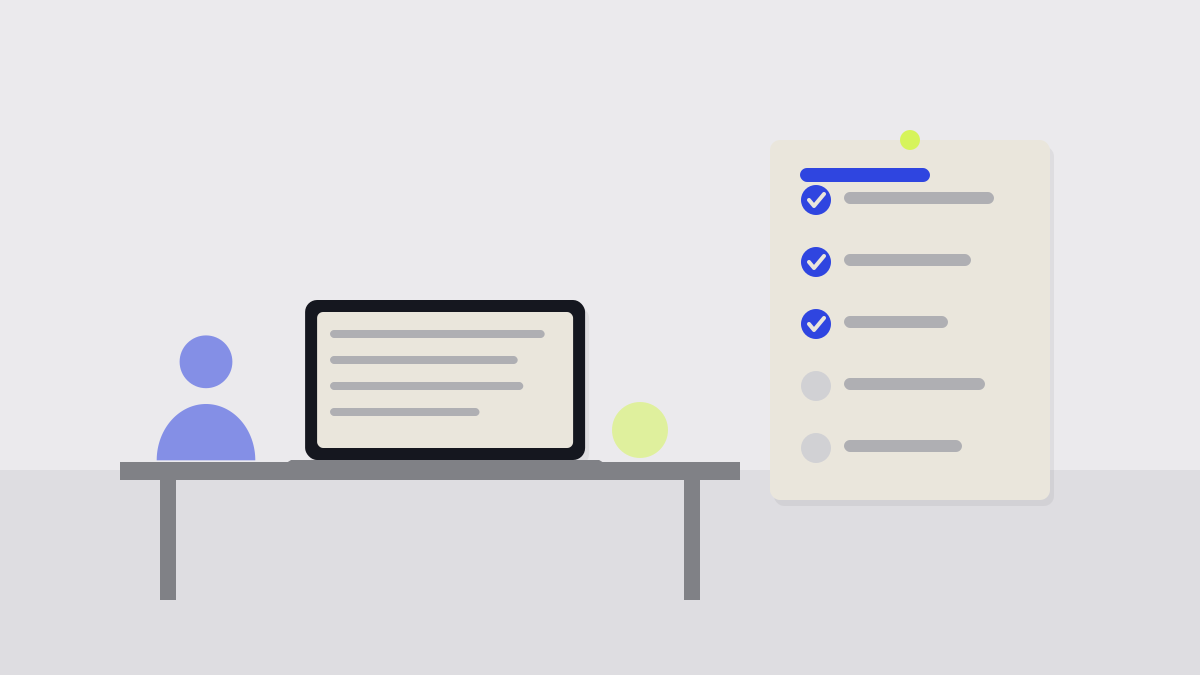
A free trial is the cheapest research you will ever do on software, and most teams waste it. They sign up, click through the menus, decide it looks fine and then discover three months later that it cannot do the one thing they bought it for.
A better trial starts before you create the account. Here is a short plan that fits into a week.
1. Write the jobs down first
List the three or four jobs the tool has to do for you, in plain words: send a quote and get it signed, show me who owes us money, let two people edit the same schedule. Anything not on the list is a bonus, not a reason to buy.
2. Use real work, not demo data
Demo data is tidy. Your customers are not. Import a real, messy sample of your own records and run an actual task from start to finish. Awkward names, missing fields and odd dates are where tools quietly fall over.
3. Bring in a second person
A tool that works for you alone may not work for the team. Invite the person who will use it most, and ask them to do their job in it without your help. Note every question they ask; those are your future support tickets.
Check the trial limits
Some trials hide features, cap users or shorten history. Look at what is switched off, because that is often what you will end up paying extra for.
4. Test the exit
Before the trial ends, export your data and open the file. Is it complete? Can another tool read it? How long did it take? A tool that is easy to join and hard to leave is a bigger commitment than its price suggests.
5. Ask what it will cost at your size
Finally, work out the price for the team you will have in a year, not the one you have today. Add the extras you needed during the trial. If the number still looks sensible, you have your answer.
A trial is research. Treat it like a test with questions, not a tour.
How long should a trial run?
What if the trial is too short?
Keep reading
More from the Reviews desk
-
 Reviews
 How to Read a Software Review (and Spot the Ones Written From a Press Release)
Many software reviews are summaries of a feature list. A few signs tell you whether the writer used the product, and whether the verdict applies to a business like yours.
-
 Guides
 How to Switch Software Without Losing Your Data
Moving to a new tool is mostly a data problem. A clear plan, a trial run and a short overlap period make the switch far less risky than a single big cut-over.
-
 Pricing
 Per-Seat Pricing, Explained: What You'll Really Pay at Ten Users
The price on the front page is per person, per month. The bill is rarely that simple once you add the tier you actually need, the extras and the people who only look in occasionally.
Join the readership
Liked this? Let's connect.

We respect your privacy. One considered email each Thursday.