How to Switch Software Without Losing Your Data
Moving to a new tool is mostly a data problem. A clear plan, a trial run and a short overlap period make the switch far less risky than a single big cut-over.
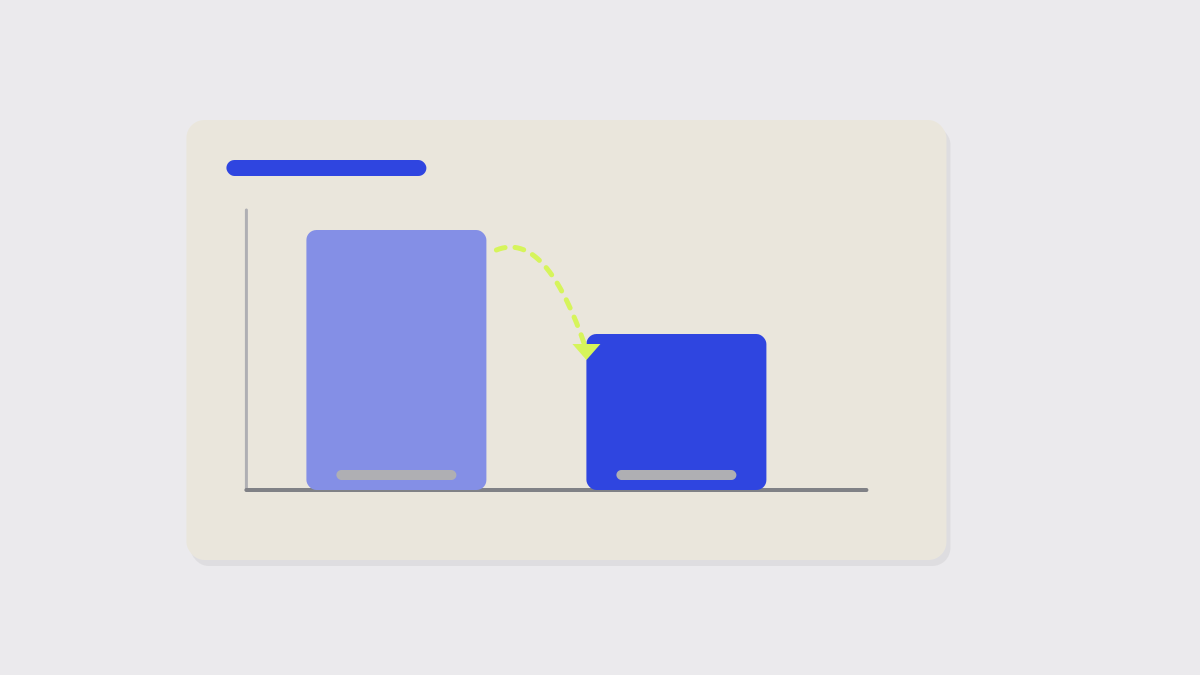
Switching software is rarely about the software. It is about moving years of records without losing any, and without stopping the business. A plan makes the difference.
1. Export a full copy first
Before you sign up for the new tool, export everything you can from the old one: records, attachments, history, templates. Store the files safely. If anything goes wrong later, this is your safety net.
2. List what has to come across
Not everything is worth moving. Decide what you need in the new system, what you can archive and what you can leave behind. Fewer records mean fewer problems.
3. Try a small import
Import a small, varied sample, say fifty records with some awkward ones, and check them by hand. Look for lost fields, scrambled dates, duplicate customers and missing attachments.
Dates and currencies
Date formats and currency symbols are the most common casualties of an import. Check a few by hand before importing the rest.
4. Run both for a while
Keep the old tool read-only and run the new one alongside it for a couple of weeks, if you can. Staff learn on real work and you can compare results.
5. Cut over on a quiet day
Pick a quiet period, announce the date and give people a short guide. Keep the old export and the old account for a few months, in case you need to look something up.
The new tool is only as good as the data you managed to bring with you.
Keep reading
More from the Guides desk
-
 Guides
 How to Connect Two Business Apps Without Writing Code
Most small teams can link their tools with a built-in integration or a no-code automation service. Start with one repetitive task and keep an eye on what it does.
-
 Reviews
 What to Test in a Free Trial Before You Pay
Most trials are wasted clicking around. A short plan, built from the jobs the tool must do for you, tells you in a week whether it deserves a place in the business.
-
 Pricing
 Per-Seat Pricing, Explained: What You'll Really Pay at Ten Users
The price on the front page is per person, per month. The bill is rarely that simple once you add the tier you actually need, the extras and the people who only look in occasionally.
Join the readership
Liked this? Let's connect.
We respect your privacy. One considered email each Thursday.