How to Connect Two Business Apps Without Writing Code
Most small teams can link their tools with a built-in integration or a no-code automation service. Start with one repetitive task and keep an eye on what it does.
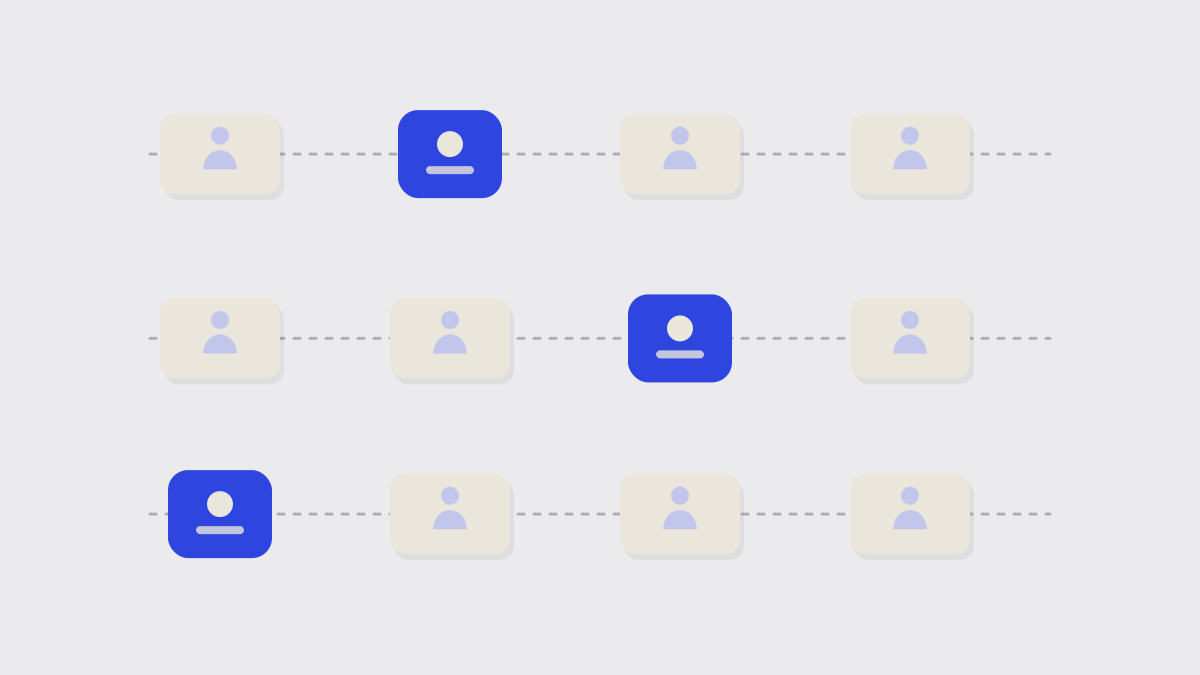
Copying the same details from one tool to another is a job nobody likes and everybody makes mistakes at. Connecting the two removes it. You rarely need a developer.
1. Pick one repetitive task
Choose a single job that happens often and follows a clear rule: when a new order arrives, add the customer to the mailing list, or when an invoice is paid, mark the job complete. Start there, not with a grand plan.
2. Check for a built-in integration
Look in the settings of both tools for an Integrations or Connections page. A built-in connection is usually more reliable than a third-party one, and often free.
3. Try an automation service
If there is no built-in option, a no-code automation service can connect the two. You pick a trigger in one tool and an action in the other, test it, and switch it on.
4. Test with real examples
Run the connection on a handful of real cases and check what arrives. Look at names, amounts and dates, and at what happens when a field is empty.
Decide who owns it
Integrations break when tools change. Name one person to watch for failure notices and fix them.
5. Keep it simple and written down
Write one line describing each connection and where it lives. When someone leaves, or a tool changes its settings, you will know what to check.
Is it safe to connect my accounts?
What if the automation makes a mistake?
Keep reading
More from the Guides desk
-
 Guides
 How to Switch Software Without Losing Your Data
Moving to a new tool is mostly a data problem. A clear plan, a trial run and a short overlap period make the switch far less risky than a single big cut-over.
-
 Reviews
 What to Test in a Free Trial Before You Pay
Most trials are wasted clicking around. A short plan, built from the jobs the tool must do for you, tells you in a week whether it deserves a place in the business.
-
 Pricing
 Per-Seat Pricing, Explained: What You'll Really Pay at Ten Users
The price on the front page is per person, per month. The bill is rarely that simple once you add the tier you actually need, the extras and the people who only look in occasionally.
Join the readership
Liked this? Let's connect.
We respect your privacy. One considered email each Thursday.